MENU
MENU
 Nasze ceny

 Przeczytaj fragment on-line

AI Photo Animation. Creating Videos with Artificial Intelligence - ebook
AI Photo Animation. Creating Videos with Artificial Intelligence - ebook
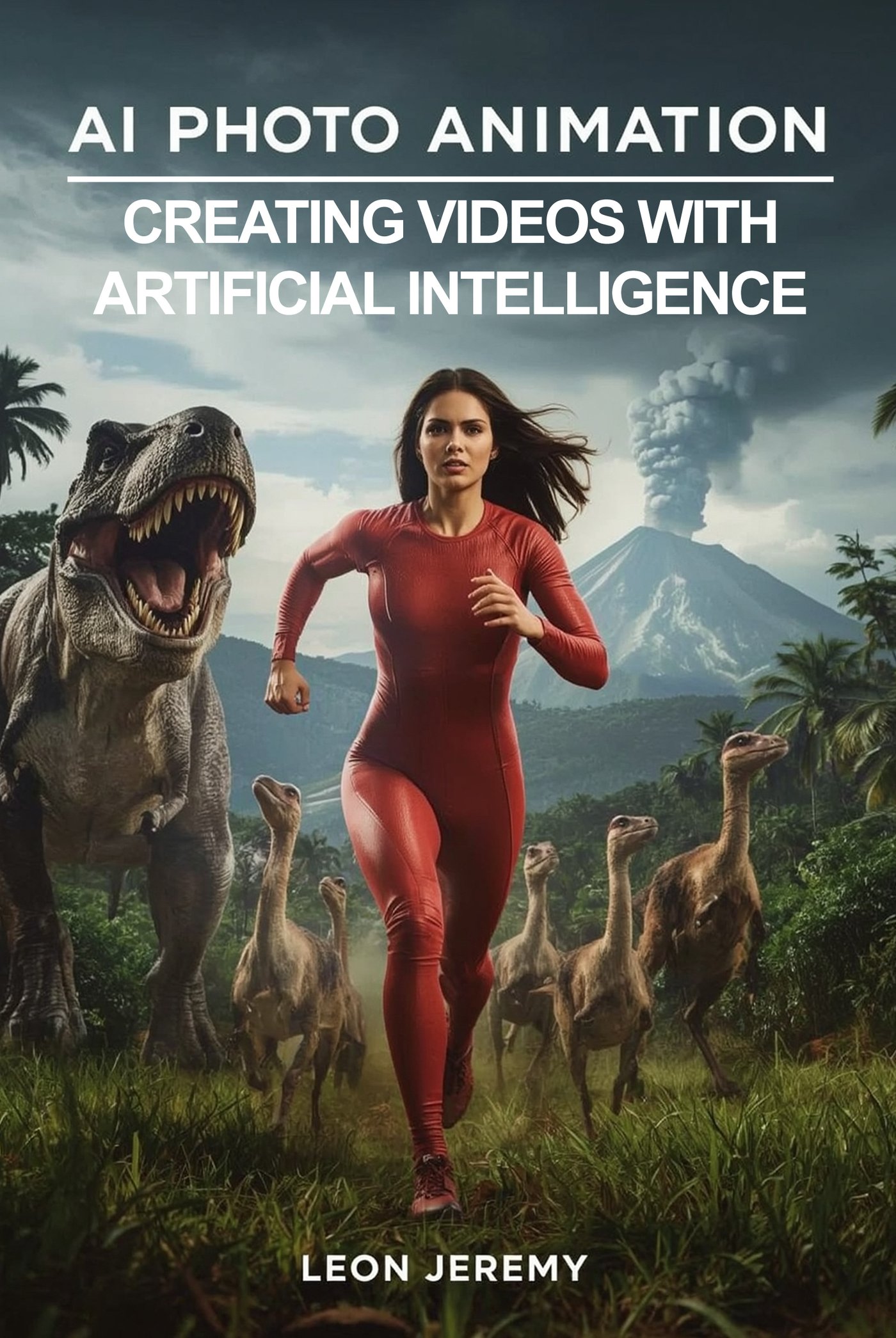
This is your comprehensive roadmap to mastering the most powerful AI video creation platforms available today. This isn't just another tech manual—it's your gateway to a creative revolution that's democratizing video production for creators, entrepreneurs, marketers, and businesses worldwide. This guide provides detailed, step-by-step instructions for the most popular and powerful AI video tools currently dominating the market. From RunwayML's to Synthesia's, from Sora's breakthrough text-to-video generation to Kling AI's physics-defying animations—you'll learn to harness each platform's unique strengths. Every chapter is structured as a practical workshop, breaking down complex processes into manageable steps. Each platform section includes detailed subchapters covering everything from account setup to advanced customization, ensuring you can confidently navigate any interface and troubleshoot common issues.
Ta publikacja spełnia wymagania dostępności zgodnie z dyrektywą EAA.
| Kategoria: | Computer Technology |
| Język: | Angielski |
| Zabezpieczenie: |
Watermark
|
| Rozmiar pliku: | 306 KB |
FRAGMENT KSIĄŻKI
1: RunwayML - Professional Tool for Creators
1.1 Account Setup and Interface Overview
1.2 Text-to-Video Generation: Step-by-Step Process
1.3 Image-to-Video Animation: Bringing Photos to Life
1.4 Using Motion Brush for Selective Animation
1.5 Camera Controls and Cinematic Effects
1.6 Video-to-Video Editing and Enhancement
1.7 Keyframe Animation Techniques
1.8 Exporting and Quality Settings
2: Synthesia - Creating Videos with AI Avatars
2.1 Creating Your First Synthesia Account
2.2 Choosing and Customizing AI Avatars
2.3 Script Writing and Text Input
2.4 Voice Selection and Language Settings
2.5 Creating Custom Avatars from Photos
2.6 Adding Backgrounds and Visual Elements
2.7 Multi-Scene Video Production
2.8 Brand Customization and Templates
2.9 Final Rendering and Download Options
3: Pika Labs - Quick Generation of Short Videos
3.1 Getting Started with Discord Integration
3.2 Setting Up Private Threads for Organization
3.3 Text-to-Video Prompt Engineering
3.4 Image-to-Video Animation Commands
3.5 Using Camera Controls (Zoom, Pan, Rotate)
3.6 Frame Rate and Quality Adjustments
3.7 Aspect Ratio and Resolution Settings
3.8 Video Enhancement and Upscaling
3.9 Managing Credits and Generations
4: Luma Dream Machine - Realistic Image-to-Video Animation
4.1 Account Registration and Subscription Plans
4.2 Understanding the Dream Machine Interface
4.3 Image Upload and Preparation
4.4 Crafting Effective Motion Prompts
4.5 Advanced Camera Movement Controls
4.6 Loop Creation for Seamless Animations
4.7 Quality Settings and Generation Time
5: HeyGen - Business Videos with Voice Cloning
5.1 Platform Registration and Plan Selection
5.2 Avatar Gallery and Selection Process
5.3 Creating Custom Avatars from Your Photos
5.4 Voice Cloning Setup and Recording
5.5 Script Input and Text-to-Speech Configuration
5.6 Template Selection and Customization
5.7 Multi-Scene Video Creation
5.8 Adding Music, Backgrounds, and Branding
5.9 Real-Time Preview and Editing
5.10 Export Options and File Formats
6: Sora by OpenAI - Breakthrough Text-to-Video Technology
6.1 Accessing Sora through ChatGPT Plus/Pro
6.2 Understanding the Sora Interface
6.3 Writing Effective Video Prompts
6.4 Storyboard Feature for Multi-Shot Videos
6.5 Remix and Video Editing Tools
6.6 Blend Function for Concept Merging
6.7 Video-to-Video Transformation
6.8 Quality Settings and Resolution Options
6.9 Understanding Limitations and Best Practices
6.10 Content Policy and Safety Guidelines
7: Kling AI - Chinese Competitor to Sora
7.1 Account Creation and Access Methods
7.2 Interface Navigation and Language Settings
7.3 Text-to-Video Generation Process
7.4 Image-to-Video Animation Workflow
7.5 High-Speed Motion and Action Scenes
7.6 Character Consistency Techniques
7.7 Extended Video Length Options (up to 3 minutes)
7.8 Physics Simulation and Realism Settings
7.9 Quality Optimization and Rendering
8: Pictory - Converting Text into Engaging Videos
8.1 Setting Up Your Pictory Account
8.2 Blog Post to Video Conversion
8.3 Script-Based Video Creation
8.4 Article URL Import and Processing
8.5 Visual Asset Selection and Stock Media
8.6 AI Voiceover Generation and Customization
8.7 Automatic Caption and Subtitle Creation
8.8 Template Selection and Branding
8.9 Music and Audio Enhancement
8.10 Social Media Optimization and Formats
8.11 Bulk Video Creation for Content Marketing
9: InVideo AI - Prompt-Based Video Generator
9.1 Account Setup and Free Trial Access
9.2 Understanding the AI Prompt System
9.3 Creating Videos from Simple Text Commands
9.4 Template Library and Customization
9.5 Voice Cloning and Audio Integration
9.6 Stock Media Integration and Replacement
9.7 Text Animation and Visual Effects
9.8 Brand Kit Setup and Consistency
9.9 Multi-Language Video Creation
9.10 Collaboration Features and Team Access
9.11 Publishing and Distribution Options
10: DeepBrain AI - Advanced Avatars and Personalization
10.1 Platform Registration and Plan Comparison
10.2 Exploring the Avatar Library
10.3 Custom Avatar Creation from Personal Photos
10.4 Advanced Avatar Customization Options
10.5 Multi-Language Voice Configuration
10.6 PowerPoint Integration and Automation
10.7 Scene Management and Transitions
10.8 Interactive Elements and Call-to-Actions
10.9 Brand Integration and Corporate Templates
10.10 Collaboration Tools and Team Workflows
10.11 Advanced Export Options and API Integration